Terraform initialize 🔥
Stay tuned for Devops techno..!!
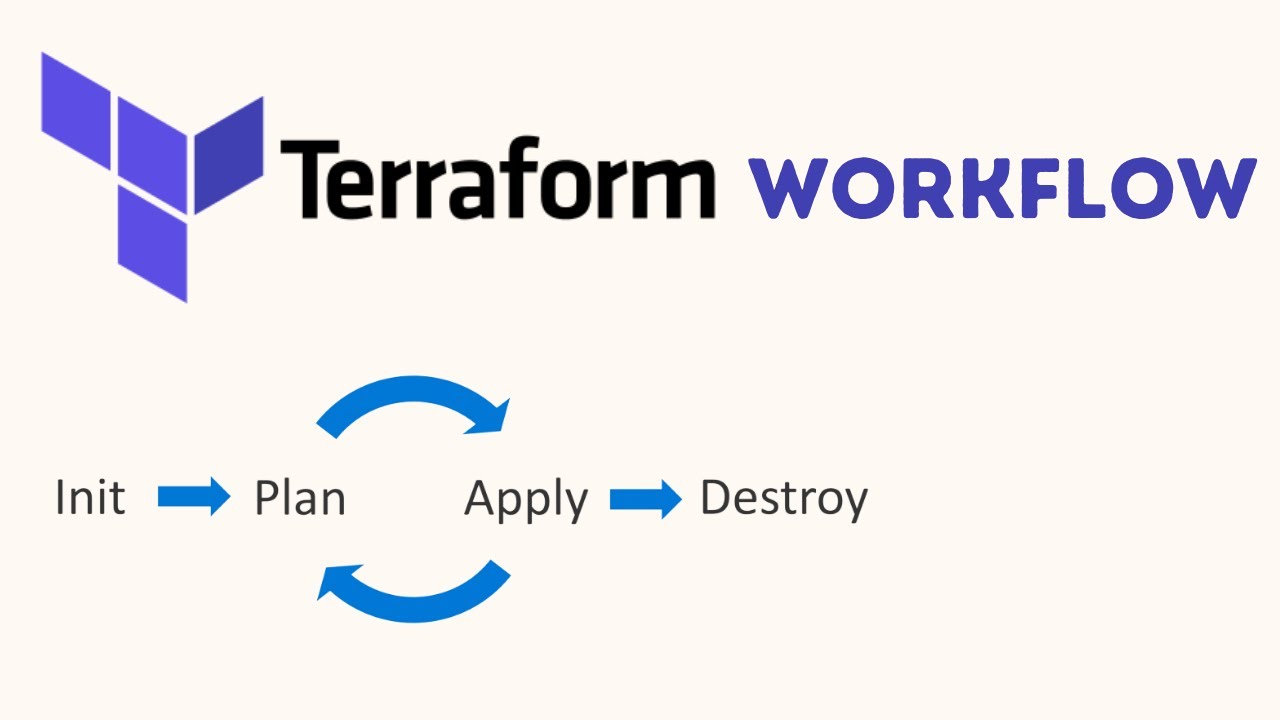
Today we will learn the purpose of basic Terraform commands which you'll use often
terraform init
- Initializes a new or existing Terraform configuration in the current working directory. This command initializes the Terraform environment, downloads provider plugins, and prepares the working directory for configuration.
terraform init -upgrade:
- Upgrades the provider plugins to their latest compatible versions during initialization.
terraform plan
- Generates an execution plan that shows what actions Terraform will take to reach the desired infrastructure state.
terraform apply
- It will apply the changes defined in your Terraform configuration to create, update, or delete resources to achieve the desired state.
terraform validate
- It will validate the syntax and structure of your Terraform configuration files. It's useful to help catch syntax errors, typos, or configuration issues before attempting to apply changes.
terraform fmt
- To automatically format your configuration files according to best practices.
terraform destroy
- It will destroy all resources managed by your Terraform configurations. It's essential to be cautious with this command, as it will permanently delete resources.
TASK:
Create a file and write content inside using Terraform
Create a docker container using Terraform
Launch an EC2 instance
Create a directory
mkdir Terraform_project
/After creating directory you have to initialize the directory by executingterraform init
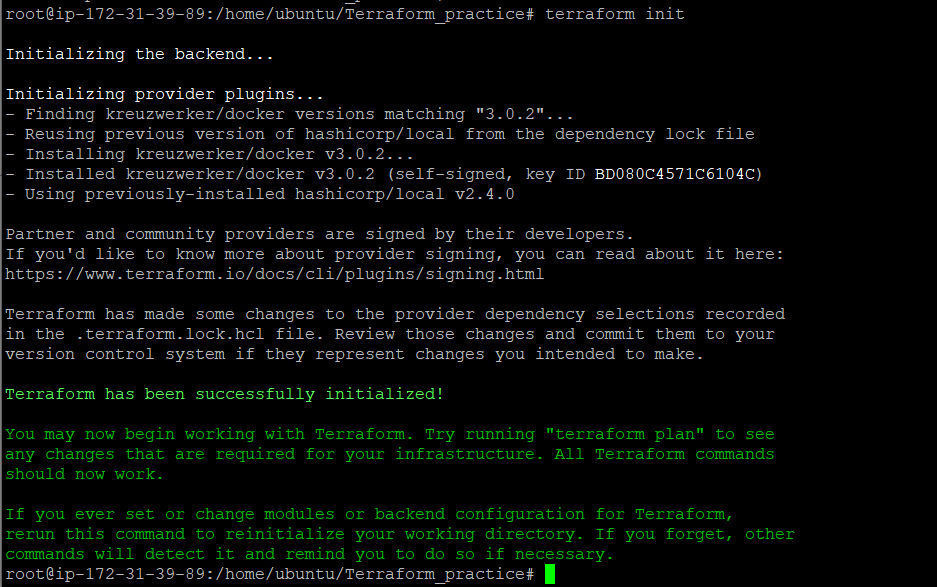
Syntax of Terraform
Resource block "Resource Type" "Resource name"
{
Arguments
}
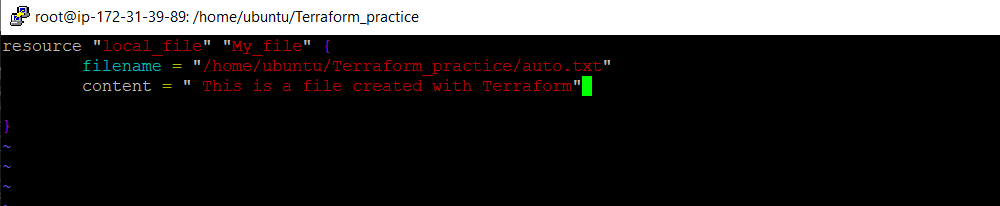
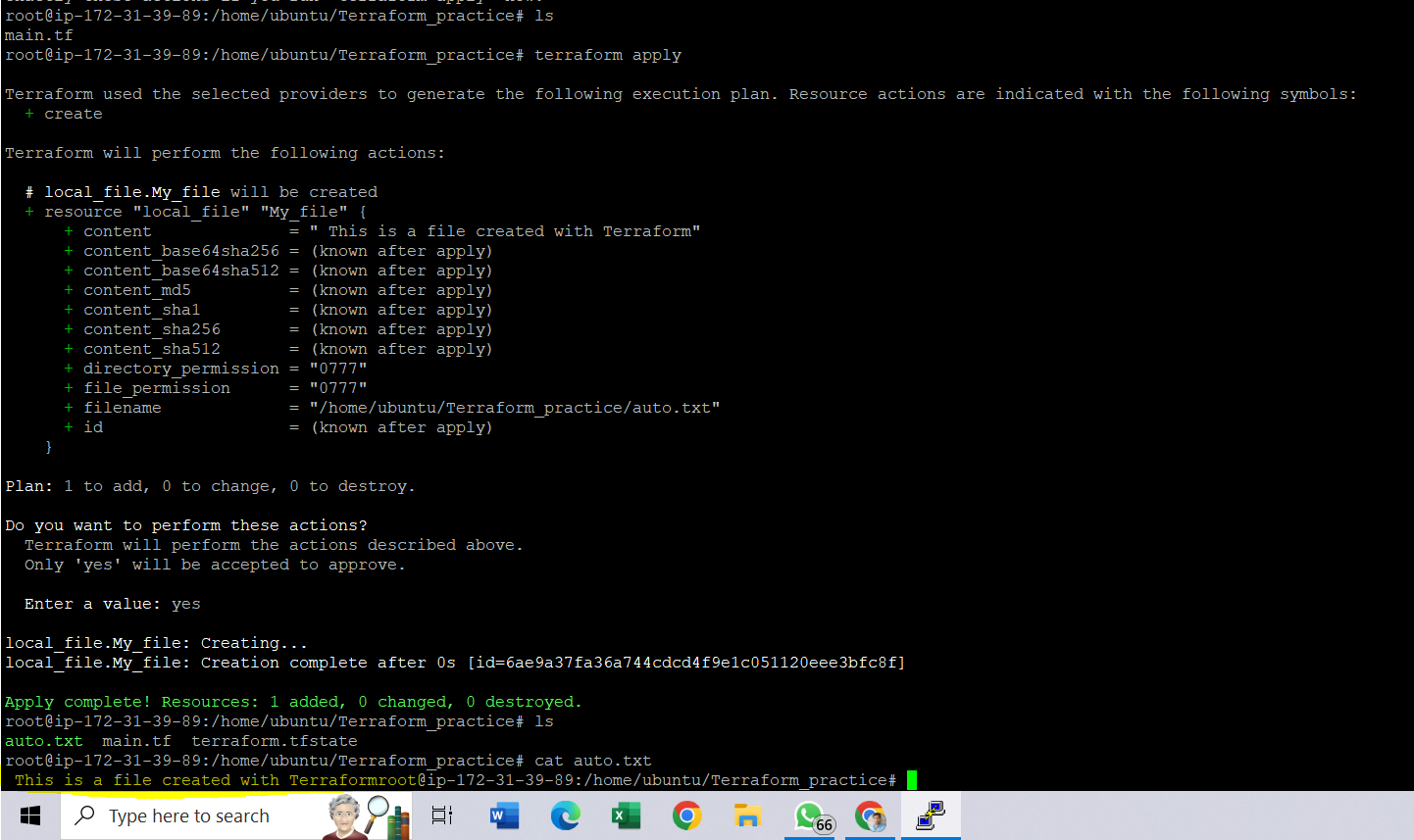
After saving this file execute terraform apply
It will give you the following output:
2)Run a Docker container with an Nginx image
- First, need to install Docker
apt install docker.io
we'll require a docker provider
vim provider.tf
terraform { required_providers { docker = { source = "kreuzwerker/docker" version = "3.0.2" } } }
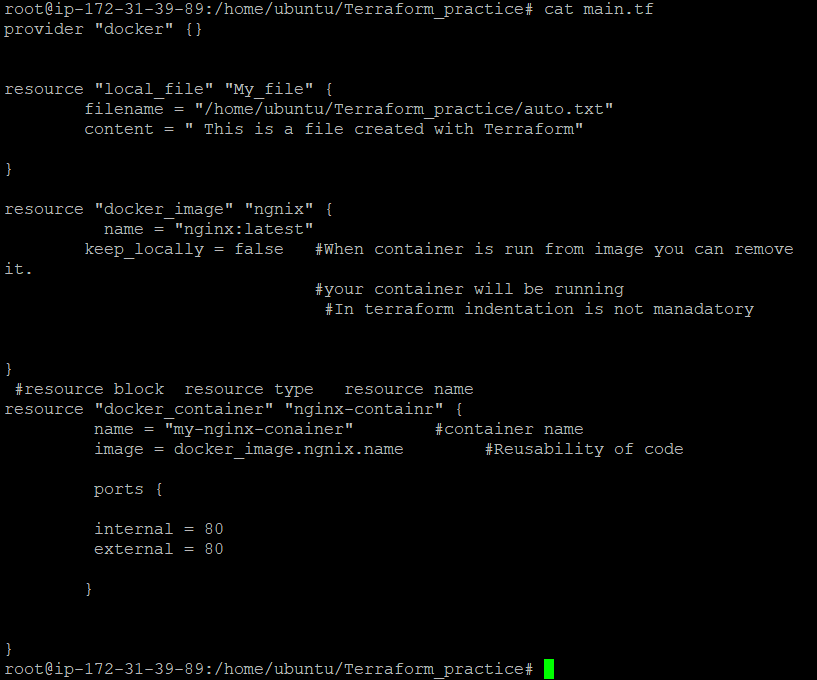
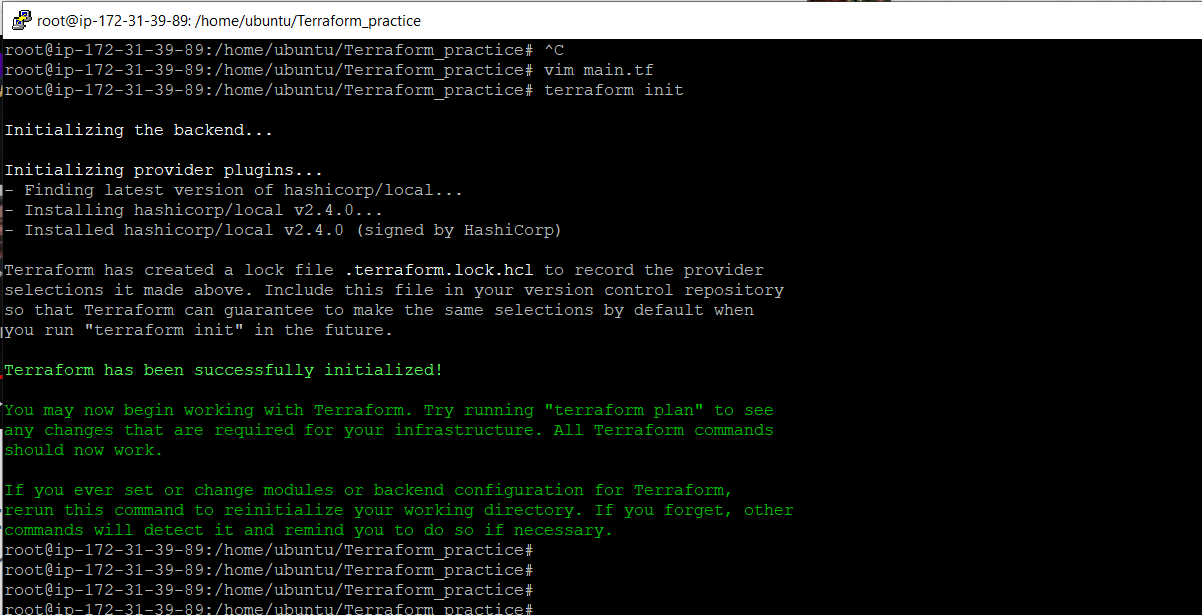
initialized that config file
main.tf with terraform init
Once you initialize execute docker ps
you will see no kind of container running

Now terraform apply for previously configured main.tf
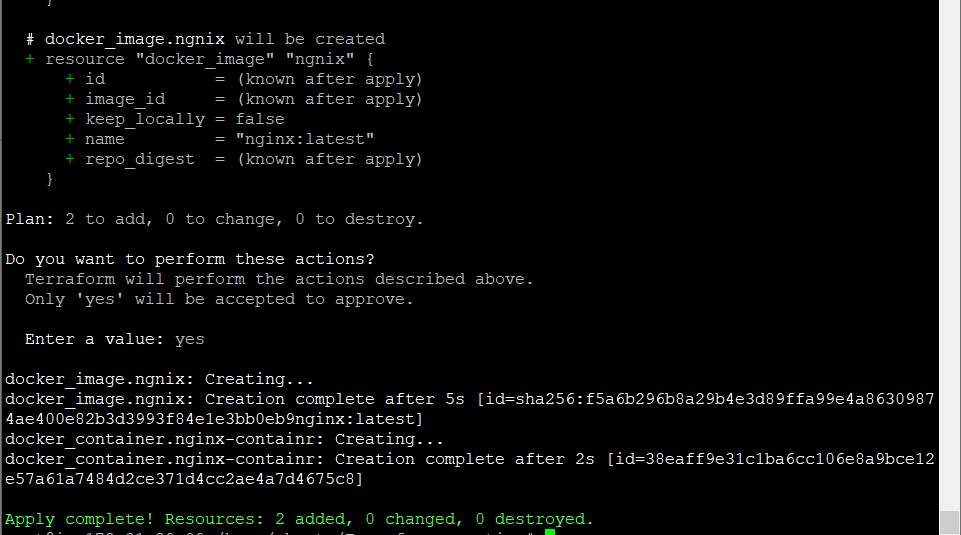
Docker container is created

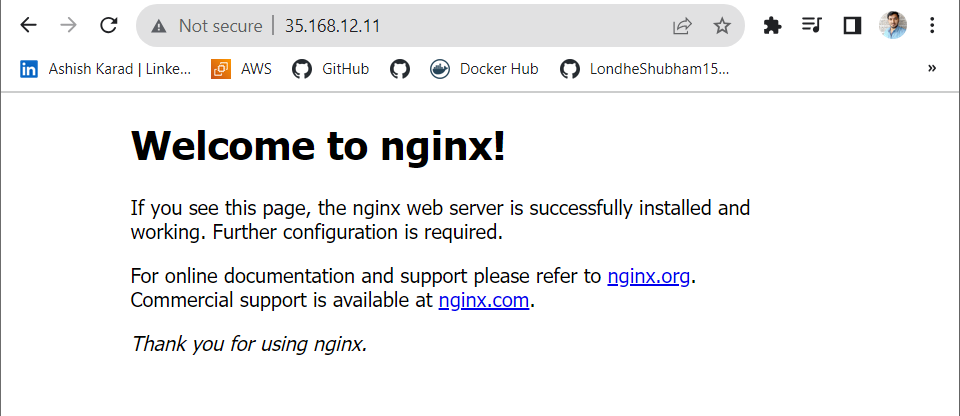
Check Nginx container is working.
url:ipv4address:80
"Thank you for reading my blog! Happy Learning!!!😊
Stay tuned for more DevOps articles follow me on Hashnode and connect on LinkedIn (https://www.linkedin.com/in/ashish-karad-ba9630235/)
for the latest updates and discussions.